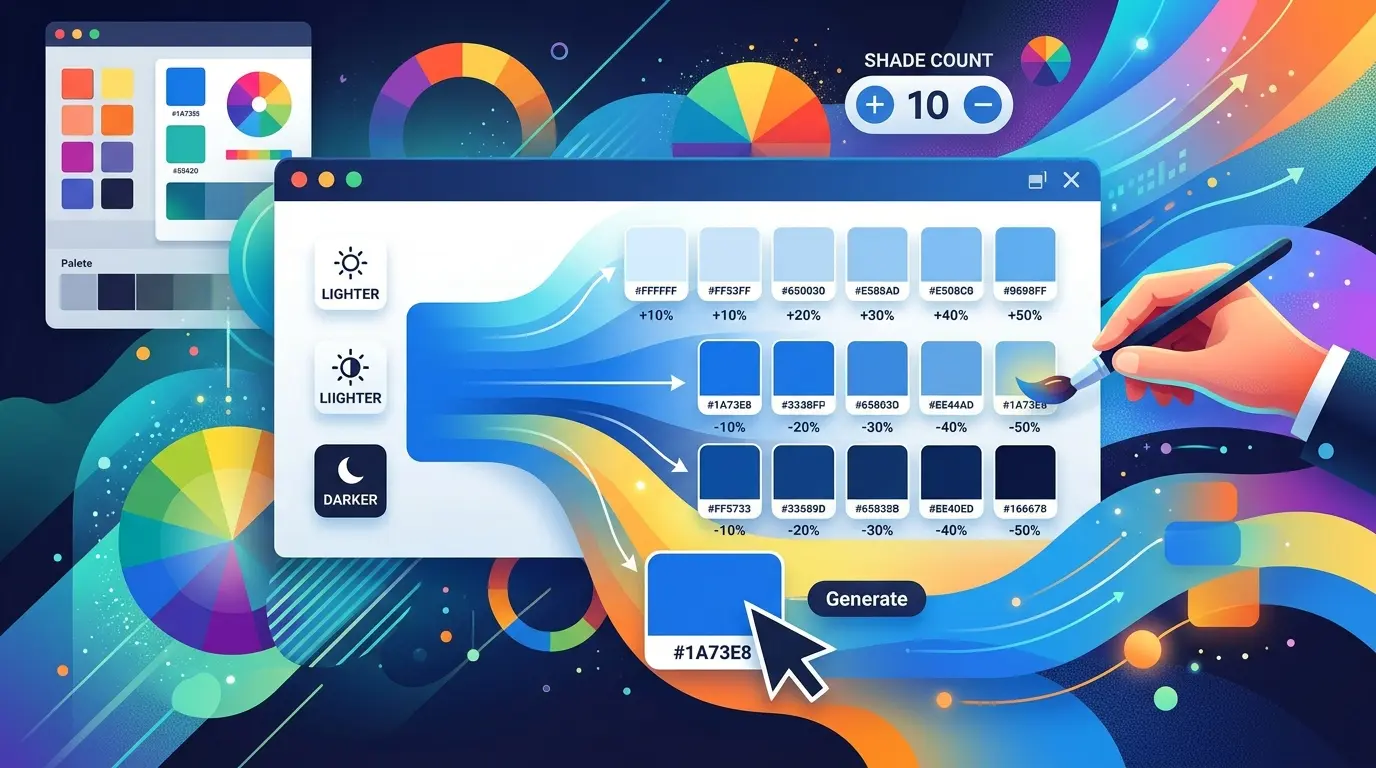
Finding the right lighter and darker versions of a color is a task that comes up constantly in design work, and a dependable
Color Shade Generator makes it effortless. Whether you are building hover states for buttons, creating a gradient, defining a design system, or simply trying to soften a background, you rarely need just one color—you need a whole family of tints and shades derived from it. This tool takes a single base color and instantly produces a balanced range of lighter and darker variations you can copy and use immediately.
In this in-depth guide, we will pull back the curtain on a lightweight, browser-based Color Shade Generator built with HTML, jQuery, and straightforward color mathematics. You will learn exactly how it converts a hex color into RGB, how it calculates each lighter and darker step, how it keeps swatch labels readable, and how you can adjust the number of shades to fit your needs. Along the way, we will cover practical use cases, color-theory background, and answers to the questions people ask most often.
If you have ever manually tweaked a hex code by trial and error to get "just a slightly darker blue," this article—and the tool it describes—will save you that hassle for good.
What Is a Color Shade Generator?
A Color Shade Generator is a tool that takes one base color and produces a series of progressively lighter and darker versions of it. Instead of guessing hex values, you get a mathematically even spread of variations, each one a consistent step brighter or darker than the last.
Shades, Tints, and the Language of Color
In color theory, a "tint" is a color mixed with white to make it lighter, while a "shade" is a color mixed with black to make it darker. In everyday use—and in this tool—"shades" is used loosely to describe the whole spectrum from very light to very dark. This generator produces both directions at once, giving you a complete tonal range from a single input.
Why You Need Ranges, Not Just Single Colors
Real design work almost never uses a color in isolation. You need lighter versions for backgrounds and hover fills, and darker versions for text, borders, shadows, and active states. A Color Shade Generator hands you that entire family instantly, ensuring every variation shares the same underlying color for a cohesive result.
How This Color Shade Generator Works: A Technical Breakdown
The engine behind this Color Shade Generator is compact but clever. A handful of JavaScript functions handle color conversion, lightening, darkening, and rendering. Understanding them shows why the output is reliable and evenly spaced.
Step 1: Converting Hex to RGB
Web colors are usually written as hex codes such as #3b82f6. To perform math on a color, the tool first breaks that hex string into its three numeric channels. The hexToRgb function slices the string and uses base-16 parsing to extract the red, green, and blue values as numbers from 0 to 255.
Why RGB Is the Right Choice Here
Because lightening and darkening are essentially about moving each channel toward white (255) or black (0), the RGB model is a natural fit. Working directly in RGB keeps the math simple and fast, avoiding the extra conversion steps that other color models would require for this particular task.
Step 2: Calculating Lighter Shades
The shade function creates lighter versions. For each channel, it moves the value a given percentage of the way toward 255. A 25% step, for example, closes a quarter of the gap between the current value and pure white. The result is clamped between 0 and 255 so the values always stay valid.
The Math of Lightening
The formula is elegantly simple: new value equals the current channel plus the remaining distance to 255 multiplied by the percentage. This means channels that are already bright change less, while darker channels brighten more, producing a natural, even lightening across the whole color.
Step 3: Calculating Darker Shades
The darken function works in the opposite direction. It multiplies each channel by one minus the percentage, scaling every value toward zero. A 25% darkening keeps 75% of each channel's intensity. Like the lightening function, the results are clamped to the valid 0–255 range.
Step 4: Even Spacing With the Count Divisor
The tool spaces its shades evenly using a simple ratio. For a chosen count, each step uses the fraction step-number divided by count-plus-one. With five shades, the steps land at roughly 17%, 33%, 50%, 67%, and 83%. This guarantees the lightest and darkest swatches never reach pure white or black, keeping every shade usable.
Step 5: Readable Labels With Contrast Detection
Each swatch reveals its hex code on hover, and that label must stay legible. The getContrast function computes a YIQ brightness value using a weighted formula—red at 299, green at 587, and blue at 114—that mirrors human perception. Bright swatches get dark slate text; dark swatches get white text.
Step 6: One-Click Copy and Live Rendering
Every swatch is built as clickable HTML, and tapping it copies the hex code to your clipboard through the browser's Clipboard API. The whole palette regenerates instantly whenever you change the base color or the number of shades, so feedback is immediate.
Key Features of the Color Shade Generator
Beyond its core math, the tool offers several features that make it practical for everyday design.
Flexible Shade Count
A number input lets you request anywhere from 1 to 10 shades in each direction. The value is safely clamped, so entering something out of range simply snaps back to a sensible default of five. This flexibility lets you generate a tight three-step ramp or a rich ten-step scale as your project demands.
Dual Input: Picker and Hex Field
- Native color picker: Drag through the spectrum visually to find your base color.
- Hex text field: Paste an exact brand hex code for precise control.
The two inputs stay synchronized, so a change in one immediately updates the other.
Clear Three-Zone Layout
Results are organized into three labeled zones—Lighter, Base, and Darker—so you can see at a glance how the whole family relates to your original color. The base color sits in the middle as a reference point.
Percentage Labels
Each generated swatch carries a label such as +33% or −50%, telling you exactly how far it has been lightened or darkened. This transparency makes the Color Shade Generator useful both as a working tool and as a learning aid.
Clipboard-Ready Output
Because every swatch copies its hex value on click, moving a chosen shade into your CSS, design software, or theme editor takes a single tap.
How to Use the Color Shade Generator: Step by Step
Producing a full range of shades takes only seconds. Here is the simple workflow.
- Choose your base color. Click the picker to select visually, or type a hex code into the text field.
- Set the number of shades. Enter any value from 1 to 10 to control how many steps appear in each direction.
- Review the three zones. Inspect the Lighter row, the Base swatch, and the Darker row.
- Hover to see hex codes. Move your cursor over any swatch to reveal its exact value.
- Click to copy. Tap a swatch to copy its hex code to your clipboard.
- Adjust and repeat. Change the base color or count until the range feels right.
There is no save button and no sign-in, so experimentation is completely frictionless. [INTERNAL LINK: color palette generator tool]
Real-World Use Cases for a Color Shade Generator
A Color Shade Generator earns its place in many different workflows. Here are the situations where it proves most valuable.
Building UI States and Design Tokens
Interface design relies on subtle variations of a single color. You need a light fill for a resting button, a darker tone for hover, and a darker still for the pressed state. Feeding your brand color into the generator produces these steps instantly, ready to drop into CSS variables. [INTERNAL LINK: css variables guide]
Creating Gradients
Smooth gradients depend on colors that share a common hue. By generating evenly spaced lighter and darker shades of one base color, you get natural gradient stops that blend seamlessly.
Designing Charts and Data Visualizations
Data visualizations often use a single color at varying intensities to represent magnitude—think heatmaps or sequential bar charts. The even spacing of this tool's output makes it ideal for building those monochromatic scales.
Establishing Depth and Elevation
Shadows, borders, and layered surfaces all rely on slightly darker or lighter versions of a base color. A shade generator provides consistent tones so your interface feels cohesive and three-dimensional.
Print, Branding, and Illustration
Beyond the web, illustrators and print designers use tonal ranges to add dimension and highlight-and-shadow detail. The same evenly spaced shades work just as well for these creative fields.
The Color Theory Behind Shades and Tints
Every calculation in this Color Shade Generator is grounded in the fundamentals of color mixing. A little theory helps you use the results more effectively.
Tints Versus Shades
Technically, adding white creates a tint and adding black creates a shade. This tool's "Lighter" row corresponds to tints and its "Darker" row to shades, giving you both directions of the tonal scale from a single base color.
How Lightening and Darkening Affect Perception
Lighter tints tend to feel softer, calmer, and more spacious, which is why they suit backgrounds and large surfaces. Darker shades feel weightier and more grounded, making them well suited to text, emphasis, and depth. Understanding this helps you assign each generated shade to the right role.
Why Even Spacing Matters
If shades are spaced unevenly, a ramp can look lumpy, with big jumps between some steps and barely any difference between others. The proportional divisor this tool uses ensures smooth, predictable progression, which is essential for professional-looking gradients and scales.
Color Shade Generator vs. Related Tools
It helps to know when a Color Shade Generator is the right choice compared with other color utilities.
| Tool |
What It Does |
Best For |
| Color Shade Generator |
Creates lighter and darker versions of one color |
Hover states, gradients, tonal scales |
| Color Palette Generator |
Builds harmonies from multiple hues (complementary, triadic, etc.) |
Full brand and theme palettes |
| Contrast Checker |
Tests readability of color pairs against WCAG |
Accessibility compliance |
| Gradient Generator |
Produces CSS gradient code between colors |
Backgrounds and visual effects |
In short, reach for a Color Shade Generator when you already have a color you love and simply need its lighter and darker relatives. [INTERNAL LINK: contrast checker tool]
Tips for Getting the Best Shades
- Start from a mid-tone base. A color that is neither too light nor too dark leaves the most room for meaningful lighter and darker steps.
- Match the count to your need. Use fewer shades for a simple button set and more for a full design-token scale.
- Use lighter shades for large areas. Backgrounds and fills read better in softer tints.
- Reserve the darkest shades for text and accents. They provide the contrast needed for legibility.
- Copy and test in context. Preview your chosen shades against real content before finalizing.
Advantages of a Browser-Based Color Shade Generator
Because this Color Shade Generator runs entirely in your browser, it offers real practical benefits.
- Instant results: No server requests means shades appear the moment you make a change.
- Privacy: All calculations happen locally; your colors never leave your device.
- No installation: There is nothing to download or set up.
- Cross-device: It works on any modern browser, from desktop to mobile.
- Lightweight: With minimal dependencies, it loads fast and stays responsive.
Frequently Asked Questions
What is a Color Shade Generator used for?
A Color Shade Generator creates lighter and darker versions of a single base color. Designers and developers use it for button hover states, gradients, shadows, design tokens, and any situation that calls for a coordinated range of one color.
What is the difference between a shade and a tint?
A tint is a color mixed with white to make it lighter, while a shade is a color mixed with black to make it darker. This tool produces both: the "Lighter" row gives you tints and the "Darker" row gives you shades.
How does the generator calculate lighter and darker colors?
It converts your hex color into RGB, then moves each channel a set percentage toward 255 for lighter shades or toward 0 for darker ones. The steps are spaced evenly using a proportional divisor so the progression looks smooth.
How many shades can I generate at once?
You can request between 1 and 10 shades in each direction using the number input. Values outside that range are automatically clamped, and the default is five shades per direction.
Can I copy the hex codes of the shades?
Yes. Each swatch is clickable, and clicking it copies its exact hex code to your clipboard using the browser's Clipboard API. You can paste it straight into CSS, a design tool, or a theme editor.
Why don't the lightest and darkest shades reach pure white or black?
The tool spaces its steps using a divisor of count-plus-one, so the extremes stop short of 255 and 0. This keeps every generated shade usable rather than washing out to white or collapsing into black.
Is the Color Shade Generator free and private?
The tool runs entirely in your browser with no sign-in or download, and all color math happens locally on your device. That makes it both free to use and private by design.
What do the percentage labels mean?
Each label, such as +50% or −33%, shows how far a swatch has been lightened or darkened from the base color. A positive value means lighter and a negative value means darker, helping you gauge each step at a glance.
Final Thoughts: Work Faster With a Color Shade Generator
A single color is rarely enough for real design work, and a reliable Color Shade Generator turns that lone color into a complete, evenly spaced family of lighter and darker options in an instant. By converting your hex value to RGB, moving each channel proportionally toward white or black, and rendering copy-ready swatches with clear percentage labels, this tool removes the guesswork from creating tints and shades. Its adjustable count, three-zone layout, and one-click copying make it equally suited to quick experiments and serious design-system work.
Whether you are crafting button states, building smooth gradients, designing data visualizations, or simply looking for a slightly softer or deeper version of a favorite color, this Color Shade Generator gives you fast, accurate, and accessible results. Pick a base color, choose how many shades you want, and watch a full tonal range appear—then click to copy and bring it straight into your next project. [INTERNAL LINK: explore more free color tools]