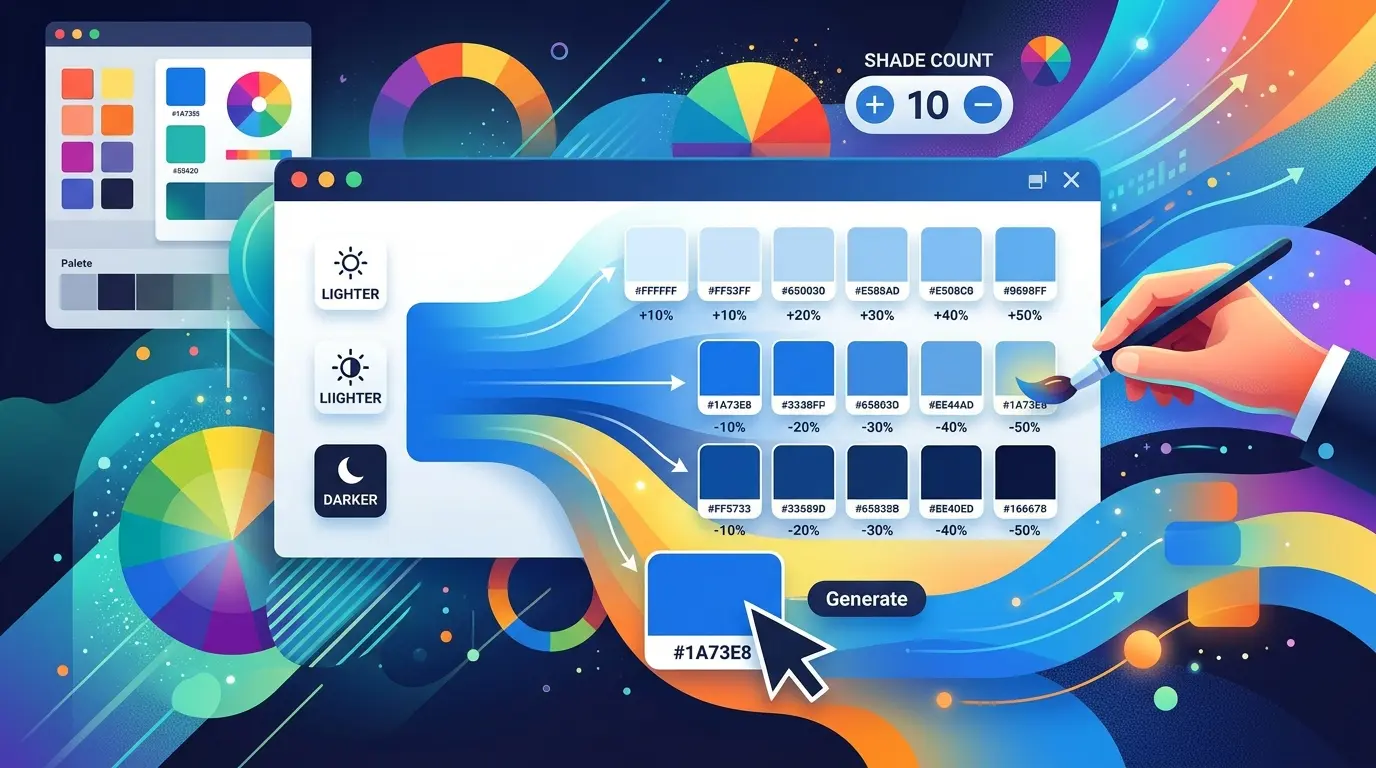
The Color Extractor is a free online tool that scans any block of CSS or text you paste into it and pulls out every color value it can find. In one click it identifies hex codes (like
#333 or
#ffffff), RGB and RGBA values (like
rgba(255,255,255,0.9)), and HSL and HSLA values (like
hsl(210, 50%, 40%)), then displays each one as a live color swatch you can copy instantly.
Instead of scrolling through hundreds of lines of stylesheet hunting for color declarations by hand, you let the tool do the parsing. It removes duplicates automatically, normalizes shorthand hex codes (turning
#333 into
#333333), and gives you a clean, visual list of the unique colors used in your code.
It runs entirely in the browser interface — no signup, no installation, no software to download. Paste, click, and your palette appears.
How Color Extractor Tool Works
The tool uses pattern-matching to recognize the three most common ways colors are written in CSS and design code:
- Hex colors — both the 3-digit shorthand (
#fff) and the full 6-digit form (#ffffff), in upper or lowercase.
- RGB / RGBA — standard
rgb(r, g, b) and rgba(r, g, b, a) values, with or without spacing.
- HSL / HSLA —
hsl(h, s%, l%) and hsla(h, s%, l%, a) values.
Once it finds a match, the tool:
- Normalizes shorthand hex codes to their full form so your list is consistent.
- Deduplicates every value, so a color used 50 times in your stylesheet only appears once.
- Renders a swatch for each color so you can see exactly what it looks like.
- Counts the total number of unique colors found.
- Enables one-click copy for every value so you can paste it straight into your own project.
Key Features
- Three formats supported — hex, RGB/RGBA, and HSL/HSLA in a single pass.
- Automatic deduplication — no repeated colors cluttering your results.
- Hex normalization — shorthand
#abc is expanded to #aabbcc for consistency.
- Live color swatches — see each color, not just its code.
- One-click copy — copy any color value to your clipboard instantly.
- Unique color count — know at a glance how many distinct colors a stylesheet uses.
- Works on any text — it doesn't have to be valid CSS; paste a config file, a JSON theme, or plain notes.
- No installation or signup — it runs right in your browser.
- Case-insensitive — picks up
#FFF, #fff, RGBA(...), and rgba(...) alike.
What You Can Use Color Extractor Tool For
- Auditing a stylesheet — find out how many colors a project actually uses (you'll often be surprised it's far more than the brand allows).
- Building a design system — extract the real palette from existing CSS to document it properly.
- Cleaning up inconsistent code — spot near-duplicate colors (
#333 vs #343434) that should be consolidated into one variable.
- Reverse-engineering a palette — paste CSS you've inherited and instantly see the colors behind it.
- Migrating to CSS variables — get the full list of colors you need to convert into custom properties or tokens.
- Brand consistency checks — verify a page only uses approved brand colors.
- Speeding up handoffs — quickly hand a developer or designer the exact codes used in a layout.
- Learning and inspiration — study how a stylesheet you admire constructs its color scheme.
Who Needs This Tool?
- Front-end developers auditing, refactoring, or documenting CSS.
- Web designers building or maintaining a consistent color palette.
- UI/UX designers translating code into design tokens or style guides.
- WordPress and theme developers checking the colors a theme ships with.
- Brand and marketing teams confirming pages stick to approved brand colors.
- Students and learners studying real-world CSS and color usage.
- Freelancers and agencies taking over legacy projects and needing a fast map of the existing palette.
In short: anyone who works with code that contains colors and wants to see, list, or reuse those colors without manual hunting.
How to Use the Color Extractor (Step by Step)
- Paste your content into the text box — a full stylesheet, a snippet, or any text containing color values.
- Click "Extract Colors."
- Review the results — every unique color appears as a swatch with its code and format label (hex, RGB, or HSL).
- Check the count — the tool tells you how many unique colors it found.
- Copy what you need — hover over any swatch and click "Copy" to send the value to your clipboard.
That's it. No accounts, no exports to configure, no waiting.
Why Use a Color Extractor Instead of Doing It by Hand?
Manually scanning a stylesheet for colors is slow and error-prone. Colors appear in dozens of properties —
color,
background,
border,
box-shadow,
fill,
stroke, gradients, and more — and they're written in mixed formats and mixed cases. It's easy to miss one, double-count another, or overlook that
#FFFFFF and
#fff are the same color.
The extractor removes all of that friction. It reads the entire input in a single pass, catches every supported format regardless of case or spacing, collapses duplicates, and presents a clean, visual palette in seconds. What might take ten minutes of careful reading takes one click.