Mobile App Development Quizzes
iOS Quiz
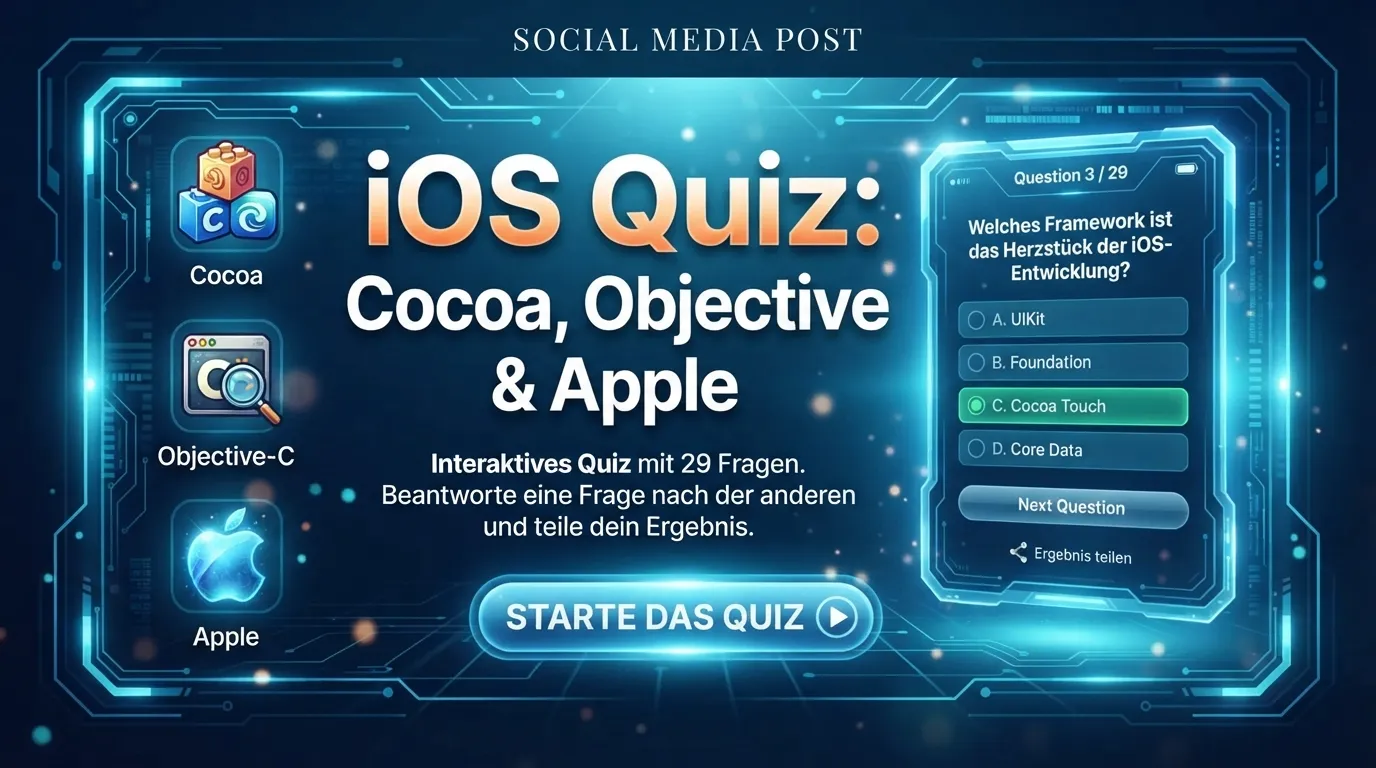
iOS Quiz: Cocoa, Objective & Apple: interactive 29-question quiz. Answer one question at a time and share your result.
Ready to test your expertise in Ionic for Android applications? This quiz features 11 randomized multiple-choice questions designed to assess your understanding of Ionic's core features, performance, and application development. Click 'Start Quiz' now to discover your skill rank and identify areas for growth!

This interactive quiz is specifically designed to evaluate your practical knowledge of the Ionic framework, with a particular focus on Android application development, common use cases, and prominent features. Whether you're a student, a self-learner, preparing for a technical interview, or simply looking to validate your skills, this quiz provides a robust self-assessment tool. It measures your competency in key areas such as Ionic's build processes, performance optimization for Android, data persistence, inter-view communication, native feature access, and testing methodologies.
Each attempt at this quiz presents you with 11 randomized multiple-choice questions drawn from our comprehensive question bank. After answering each question, you'll receive immediate feedback, including detailed explanations for both correct and incorrect answers, helping you understand the underlying concepts. Your final score is calculated based on the number of correct answers. There's no limit to how many times you can retake the quiz, allowing you to practice, learn from your mistakes, and strive for a perfect 100% score to achieve the 'Expert' rank.
To excel in this quiz, a solid understanding of the following Ionic concepts is crucial. Review these areas before or after your quiz attempt:
Understand the distinct roles of ionic build and ionic prepare commands. ionic build compiles your web assets, while ionic prepare copies those assets into the native platform project (e.g., Android Studio project) and installs Cordova plugins.
Ionic applications, being web-based, can sometimes face performance challenges on older Android devices. Key optimization strategies include:
<ion-virtual-scroll> to render only visible items, significantly improving scroll performance.Be familiar with the trade-offs:
| Advantages | Disadvantages |
|---|---|
| Cross-platform development (single codebase) | Potential performance issues on older devices (compared to native) |
| Web technologies (HTML, CSS, JS) | Reliance on Cordova/Capacitor for native features |
| Rich UI components & ecosystem | ative look and feel might not be 100% identical to true native |
| Faster development cycle | Debugging can sometimes be more complex than native |
Understand their relationship:
localStorage), Ionic Storage (a wrapper for various storage engines), or a database solution (e.g., SQLite via a Cordova/Capacitor plugin).NavParams in older Ionic versions, or router state in newer Angular-based Ionic).@ionic-native/camera for camera access).Platform service (e.g., this.platform.is('android') or this.platform.is('ios')) to detect the running platform at runtime.Familiarize yourself with different testing approaches:
Be aware of these common pitfalls when taking the quiz:
Your quiz score provides immediate feedback on your Ionic proficiency:
| Score Range | Rank Tier | What Your Score Means | ext Steps |
|---|---|---|---|
| 0-3 points | Beginner | You're just starting your Ionic journey. You have a foundational understanding but need to deepen your knowledge across core concepts. | Review the 'Key Concepts Tested' section thoroughly. Focus on understanding the basics of Ionic architecture, build processes, and data handling. Consider taking an introductory Ionic course. |
| 4-10 points | Intermediate | You have a good grasp of Ionic development, especially concerning Android applications. You understand many key concepts but might have gaps in specific advanced topics or optimizations. | Analyze your incorrect answers to pinpoint specific areas for improvement. Revisit documentation on performance optimization, advanced data persistence, and native feature integration. Practice building more complex Ionic apps. |
| 11-11 points | Expert | Congratulations! You possess a comprehensive and expert-level understanding of Ionic for Android applications, including performance, architecture, and advanced features. | Maintain your knowledge by staying updated with the latest Ionic releases and best practices. Consider sharing your expertise by helping others or contributing to the Ionic community. Challenge your peers to beat your score! |
To achieve the 'Expert' rank, follow these strategies:
Ready to prove your Ionic prowess? Scroll up and click 'Start Quiz' to begin your assessment!
iOS Quiz: Cocoa, Objective & Apple: interactive 29-question quiz. Answer one question at a time and share your result.
Android Quiz: Activity, Screen & Relationship: interactive 28-question quiz. Answer one question at a time and share your result.
Swift Quiz: Agent, Error & Values: interactive 11-question quiz. Answer one question at a time and share your result.

