Mobile App Development Quizzes
Ionic Quiz: Android, Applications & Prominent
Ionic Quiz: Android, Applications & Prominent: interactive 11-question quiz. Answer one question at a time and share your result.
This interactive quiz challenges your understanding of Android Activities, screen management, and component relationships. Answer 28 randomized multiple-choice questions to test your practical knowledge and discover your skill rank. Click 'Start Quiz' to begin your assessment!

Welcome to the Android Quiz: Activity, Screen & Relationship! This interactive quiz, located just above, is designed to rigorously test your foundational and advanced understanding of core Android application components and their interactions. Whether you're a student, a self-learner, preparing for a technical interview, or seeking to validate your skills for certification, this quiz provides a comprehensive self-evaluation. It measures your practical competencies in managing Android Activities, handling screen state changes, understanding component lifecycles, and navigating the complex relationships between various Android building blocks like Fragments, Services, and Intents.
Each time you start this quiz, you will be presented with 28 randomized multiple-choice questions drawn from a larger bank. Your task is to select the best answer for each question. Upon submission, you'll receive immediate feedback on your answers, including detailed explanations for both correct and incorrect choices, helping you learn on the fly. Your score is calculated based on the number of correct answers. Don't worry if you don't achieve your desired score on the first try; you can retake the quiz as many times as you like to improve your knowledge, encounter new questions, and strive for a perfect 100% score!
To excel in the Android Quiz: Activity, Screen & Relationship, a solid grasp of the following high-yield concepts is essential. Review these areas before or after taking the quiz to reinforce your learning:
onCreate(), onStart(), onResume(), onPause(), onStop(), onDestroy(), onRestart()).onSaveInstanceState(), onRestoreInstanceState()).Fragments are modular sections of an Activity. Understanding their lifecycle and interaction is crucial.
| Feature | Activity | Fragment |
|---|---|---|
| Lifecycle | Independent, managed by OS | Dependent on host Activity's lifecycle |
| UI | Can have UI, often full scree | Must be embedded in an Activity, contributes to UI |
| Modularity | Less modular for complex UIs | Highly modular, reusable UI components |
| Communication | Direct via Intents | Via host Activity, interfaces, or ViewModel |
putExtra(), getExtra()) using Serializable vs. Parcelable.Services perform long-running operations in the background without a UI.
| Component | Purpose | Key Characteristics |
|---|---|---|
| Service | Background operations, no UI | Runs on main thread by default, can be started/bound |
| ContentProvider | Manage and share structured data | Provides an abstract layer for data access, secure |
standard, singleTop, singleTask, and singleInstance.Be aware of these common pitfalls when taking the quiz:
onPause() and onStop(), or when onDestroy() is guaranteed to be called.Context to use (Activity, Application) in different scenarios is critical to avoid memory leaks.onSaveInstanceState) and persistent data storage.Your performance in the Android Quiz: Activity, Screen & Relationship will place you into one of three skill tiers:
| Score Range | Performance Rank | What Your Score Means & Next Steps |
|---|---|---|
| 0-9 points | Beginner | You're just starting your journey in Android development. Focus on understanding the core Activity lifecycle and basic component interactions. Review the 'Key Concepts Tested' section thoroughly and consider foundational Android courses. Retake the quiz to solidify your understanding. |
| 10-27 points | Intermediate | You have a good grasp of fundamental Android concepts but may have gaps in advanced topics or tricky scenarios. Pay close attention to the explanations for your incorrect answers. Dive deeper into Fragment management, Intent flags, and common problem-solving techniques like ANR prevention. Consistent practice will move you to the next level. |
| 28-28 points | Expert | Congratulations! You possess a comprehensive and robust understanding of Android Activities, screen management, and component relationships. Your knowledge is strong enough for complex application development and technical interviews. Consider challenging peers or exploring more advanced Android architecture topics. |
To maximize your score and truly master the concepts, follow these strategies:
Ready to prove your Android prowess? Scroll up and click 'Start Quiz' to begin your challenge and climb the ranks from Beginner to Expert!
Ionic Quiz: Android, Applications & Prominent: interactive 11-question quiz. Answer one question at a time and share your result.
Swift Quiz: Agent, Error & Values: interactive 11-question quiz. Answer one question at a time and share your result.
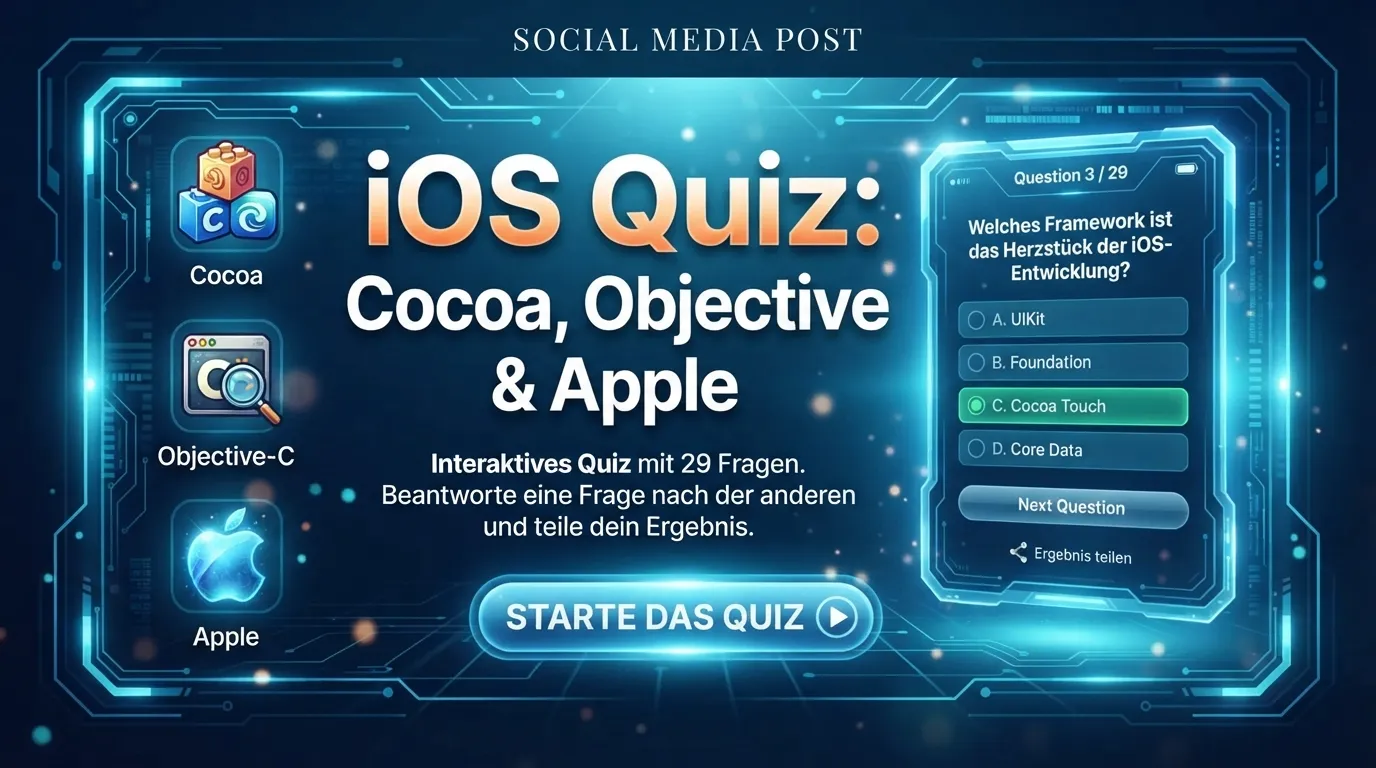
iOS Quiz: Cocoa, Objective & Apple: interactive 29-question quiz. Answer one question at a time and share your result.