Skip to content
JJawda DesignsFree online tools
HomeAll ToolsQuizzesFree Directory 545+Blog
Language:

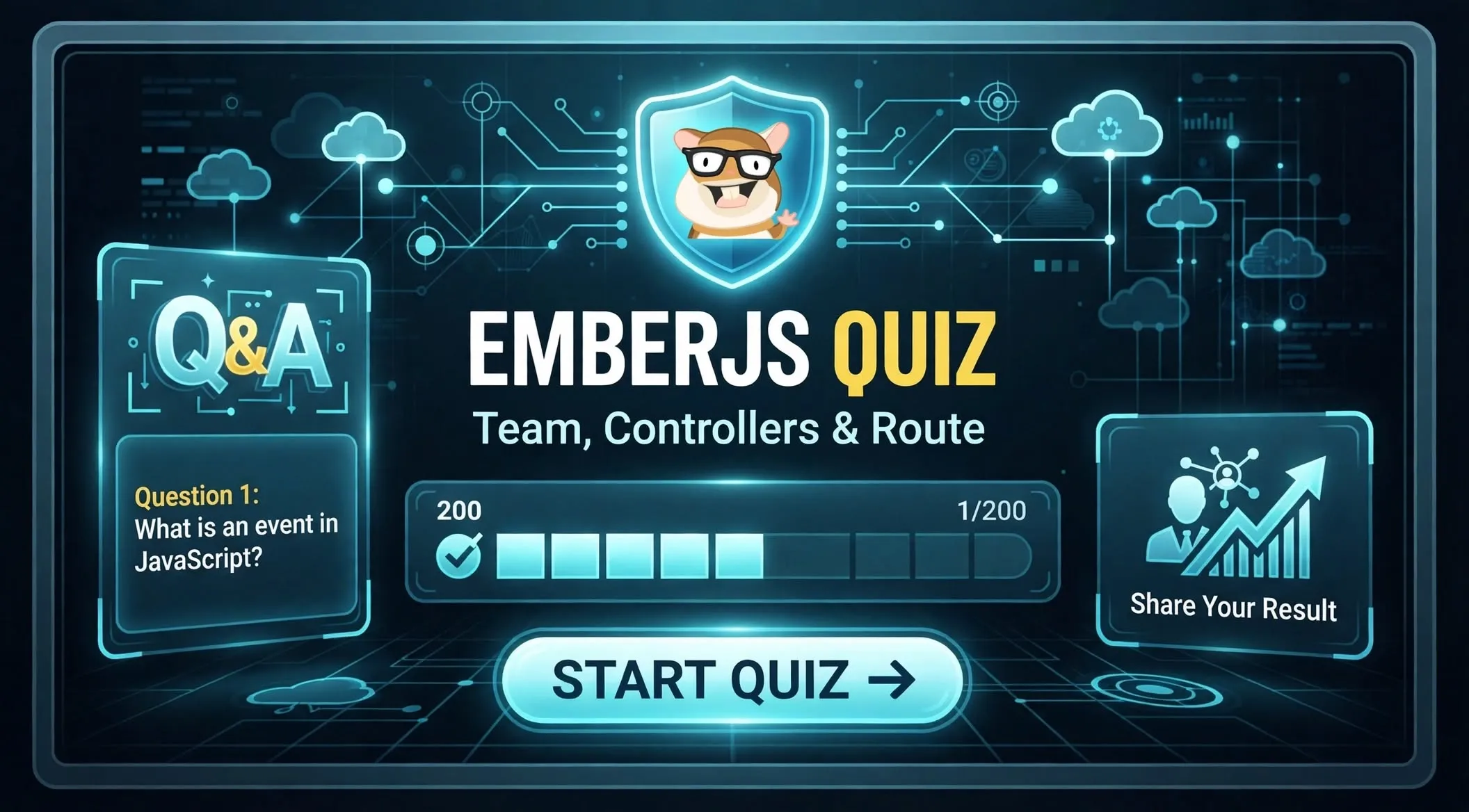
EmberJS Quiz: Team, Controllers & Route

This quiz tests your understanding of Ember.js Controllers, Routes, and how they manage application state and user interaction. It is designed for front-end developers familiar with Ember.js basics.
EmberJS Quiz: Team, Controllers & Route
Ember.js provides a robust framework for building ambitious web applications. Understanding its core components, especially Controllers and Routes, is essential for effective development. This quiz helps you solidify your knowledge of how Ember.js handles application flow, data presentation, and user interactions.

TL;DR: Ember.js Core Concepts

  • Routes: Define application states, manage URLs, and load data (models).
  • Controllers: Decorate models, manage UI state, and handle user actions.
  • Relationship: Routes determine what data is shown; Controllers determine how that data is presented and interacted with.

Mastering Ember.js Routes

In Ember.js, a Route is a fundamental building block that maps a URL to a specific application state. Routes are responsible for loading the data (the 'model') that your templates will display. They define the structure of your application and how users navigate through it. The model hook within a Route is where you fetch or prepare the data needed for that particular route. This data then becomes available to the corresponding Controller and template. Routes also manage transitions between different parts of your application.

Understanding Ember.js Controllers

Ember.js Controllers act as a layer between your Route's model and your template. Their primary purpose is to decorate the model with display logic and manage UI-specific state. Controllers handle user actions, such as button clicks or form submissions, and can manipulate the data before it is rendered. For example, an ArrayController is specifically designed to manage a collection of models, providing properties and actions useful for lists. Controllers help keep your templates clean by abstracting away complex presentation logic.

The Synergy: Routes and Controllers

The relationship between a Route and its Controller is symbiotic. A Route determines which model to load, while the Controller then takes that model and prepares it for display and interaction within the template. The setupController() hook in a Route allows you to perform additional setup on the Controller after the model has been loaded. This separation of concerns ensures that your application logic is well-organized. Routes focus on data and URL management, while Controllers focus on presentation and user interaction.

How This Quiz Works

This EmberJS quiz draws 30 questions at random from a bank of 33. Each visit presents a unique challenge, helping you test different aspects of your knowledge. After completing the quiz, you can review your score and share your results. This interactive format reinforces your learning and highlights areas for further study.

Study Tips for Ember.js

  • Review the official Ember.js guides on Routing and Controllers.
  • Experiment with creating simple Ember applications to see these concepts in action.
  • Pay attention to the lifecycle hooks available in both Routes and Controllers.
  • Understand the difference between a Route's model and a Controller's properties.

Ready to Test Your Ember.js Skills?

This quiz is an excellent way to assess your understanding of Ember.js Controllers, Routes, and their interplay. Whether you are preparing for an interview or just want to sharpen your skills, this quiz provides a focused challenge. Take the quiz now and see how well you know Ember.js!

Frequently Asked Questions

What is the main role of an Ember.js Controller?
An Ember.js Controller decorates the model provided by a Route, manages UI-specific state, and handles user actions within a template. It acts as a bridge between the data and its presentation, adding display logic and responding to user input without directly modifying the underlying data model.
How does an Ember.js Route function?
An Ember.js Route maps a URL to a specific application state. Its primary function is to load the necessary data (the 'model') for that state using hooks like model(). Routes also manage URL changes, define nested application structures, and orchestrate transitions between different views.
When should I use the `model` hook in an Ember.js Route?
You should use the model hook in an Ember.js Route to fetch or prepare the primary data that the route and its associated template will display. This hook is executed before the route is rendered, ensuring the necessary data is available for the Controller and template to use.
What is the purpose of the `setupController()` hook?
The setupController() hook in an Ember.js Route allows you to perform additional setup on the Controller after the model has been loaded. You can use it to set initial properties on the Controller, inject services, or perform other configurations based on the loaded model or route parameters.
How do Routes and Controllers work together in Ember.js?
Routes and Controllers collaborate to manage application state and presentation. A Route determines what data to load based on the URL. The corresponding Controller then takes this data (model) and determines how it is presented in the template, handling user interactions and managing UI-specific state.

Related Quizzes