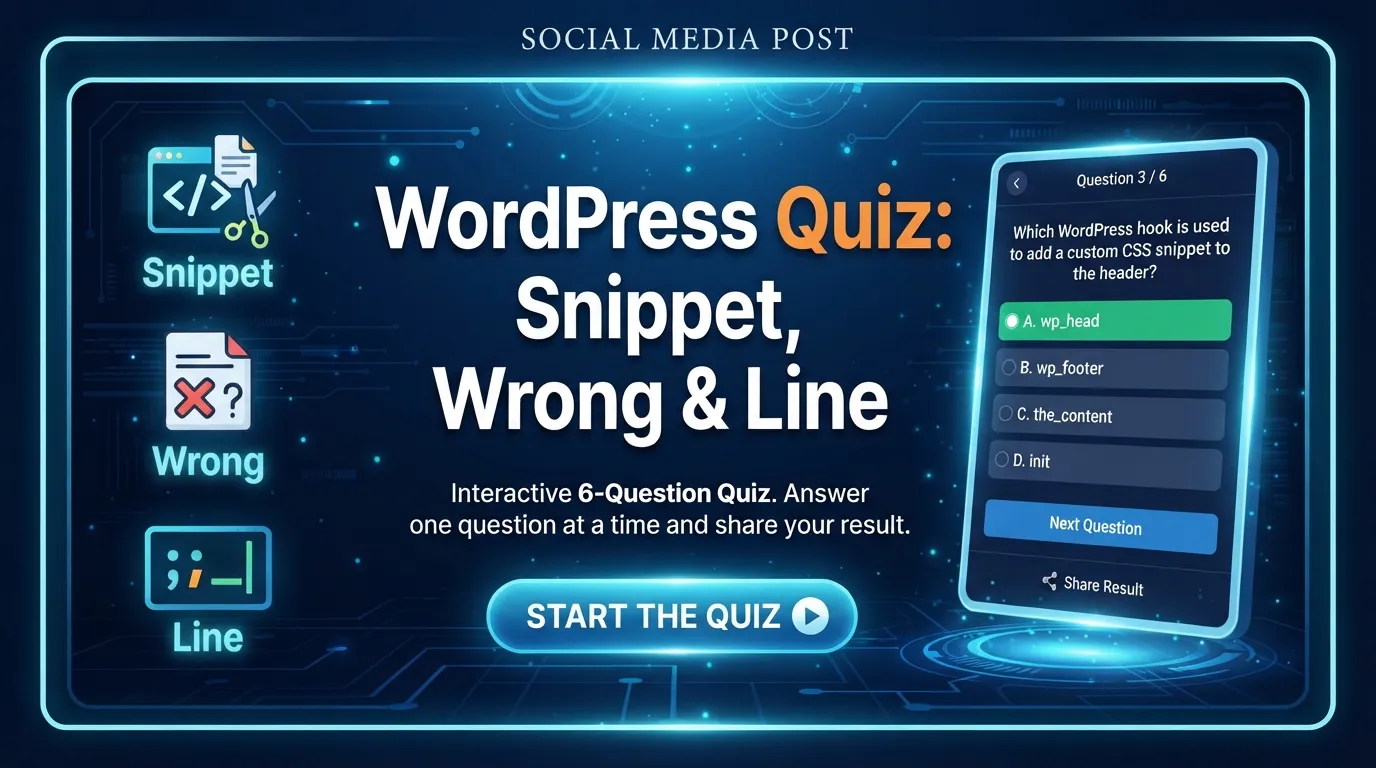
This WordPress Quiz challenges your understanding of core functions, error handling, and template inclusion. You'll face 5 randomized questions testing your practical WordPress development skills. Click 'Start Quiz' to assess your current rank and identify areas for improvement!
Quick Assessment Snapshot
Assessment Format: Multiple Choice
Questions Per Attempt: 5 of 5 bank
Estimated Time: 5-10 minutes
Scoring Mode: Correct Answers
Target Skill Level: Beginner to Expert WordPress Developers
About the WordPress Quiz: Snippet, Wrong & Line Quiz & What It Evaluates
Welcome to the interactive WordPress Quiz designed to sharpen your understanding of essential WordPress development concepts. This test is perfect for self-evaluation, preparing for technical interviews, or simply solidifying your knowledge of WordPress functions related to content snippets, error handling, and template structure. The quiz above measures your practical competency in using key WordPress functions and understanding best practices.
How the Quiz Works: Rules, Scoring & Retakes
Each time you start this quiz, 5 questions are randomly selected from our question bank. You'll be presented with multiple-choice options for each. After answering, you'll receive immediate feedback, including detailed explanations for both correct and incorrect answers. Your score is calculated based on the number of correct responses. Don't worry if you don't ace it on the first try – you can retake the quiz as many times as you like to improve your score and master the concepts!
Key Concepts Tested in This Quiz (Study Guide)
To excel in this quiz, focus on these core WordPress development areas:
Content Retrieval: Understanding functions like the_excerpt() or get_the_excerpt() for displaying post snippets.
Error Handling: Knowing when and how to use functions like wp_die() for graceful error termination.
Template Inclusion: Familiarity with functions such as get_template_part(), get_header(), get_footer() for structuring themes.
Action & Filter Hooks: Grasping the purpose of add_action() and add_filter() for extending WordPress functionality.
Database Structure: Basic knowledge of standard WordPress database table prefixes and their purpose.
Key Function Distinctions:
Functio
Purpose
Example Context
the_excerpt()
Displays the post excerpt directly.
Inside The Loop to show a snippet.
get_the_excerpt()
Returns the post excerpt for use in PHP.
Assigning excerpt to a variable for manipulation.
wp_die()
Terminates WordPress execution with an error message.
Critical errors, security checks, AJAX failures.
get_template_part()
Includes a template part file.
Reusing sections like 'content-single.php'.
Common Traps & Tricky Scenarios in the Questions
Be mindful of these common pitfalls when taking the quiz:
Snippet vs. Content: Distinguishing between functions that display full post content versus just the excerpt.
Direct Output vs. Return Value: Knowing which functions echo output directly and which return a value that needs to be echoed or processed.
Contextual Usage: Understanding the appropriate context for functions like wp_die() – it's for fatal errors, not just warnings.
Hook Specificity: Differentiating between actions (doing something) and filters (modifying something).
Default vs. Custom: Identifying standard WordPress components versus custom or non-standard implementations.
Score Interpretation: What Your Result Means
Your quiz score provides immediate feedback on your WordPress knowledge:
Score (Points)
Rank Tier
What It Means & Next Steps
0-2 pts
Beginner
You're just starting out! Focus on the fundamental WordPress functions and concepts. Review the explanations for incorrect answers and consider revisiting basic WordPress development tutorials. Retake the quiz to reinforce your learning.
3-5 pts
Intermediate
Good job! You have a solid grasp of many core WordPress concepts. Pay close attention to the explanations for questions you missed to refine your understanding of specific functions or best practices. Practice more to reach Expert level.
6-6 pts
Expert
Excellent! You demonstrate a strong command of WordPress functions and development principles. You're ready to tackle more complex challenges and contribute effectively to WordPress projects. Challenge yourself with advanced topics!
How to Ace the Quiz & Retake Strategy
To achieve a perfect score, analyze your incorrect answers after each attempt. The detailed explanations are your best study tool! Focus on understanding why the correct answer is right and why the distractors are wrong. Retake the quiz to encounter different questions from the bank and test your improved knowledge. Challenge your peers to see who can achieve the Expert rank first! Scroll up now and click 'Start Quiz' to begin your WordPress knowledge assessment!
Frequently Asked Questions
How many questions are in this quiz?
This quiz draws from a bank of 5 questions, and you will be presented with 5 randomized questions on each attempt.
What is considered a passing score?
There isn't a formal 'passing' score, but achieving 3-5 points places you in the 'Intermediate' tier, and 6 points earns you the 'Expert' rank, indicating a strong understanding of the concepts.
Can I retake this quiz if I score low?
Absolutely! You can retake the quiz as many times as you like. This is encouraged to help you learn from your mistakes and improve your understanding.
Are explanations provided for missed answers?
Yes, after each question, you will receive immediate feedback, including detailed explanations for both correct and incorrect answers to help you learn.
Is this quiz suitable for technical interview or exam preparation?
Yes, this quiz is designed to test practical WordPress development knowledge, making it an excellent tool for self-assessment and preparation for technical interviews or exams focusing on core WordPress functions.
How are questions selected on each attempt?
On each attempt, 5 questions are randomly selected from the total question bank to provide a fresh challenge and ensure comprehensive testing of the covered topics.