Relational Databases & SQL Quizzes
SQL Quiz
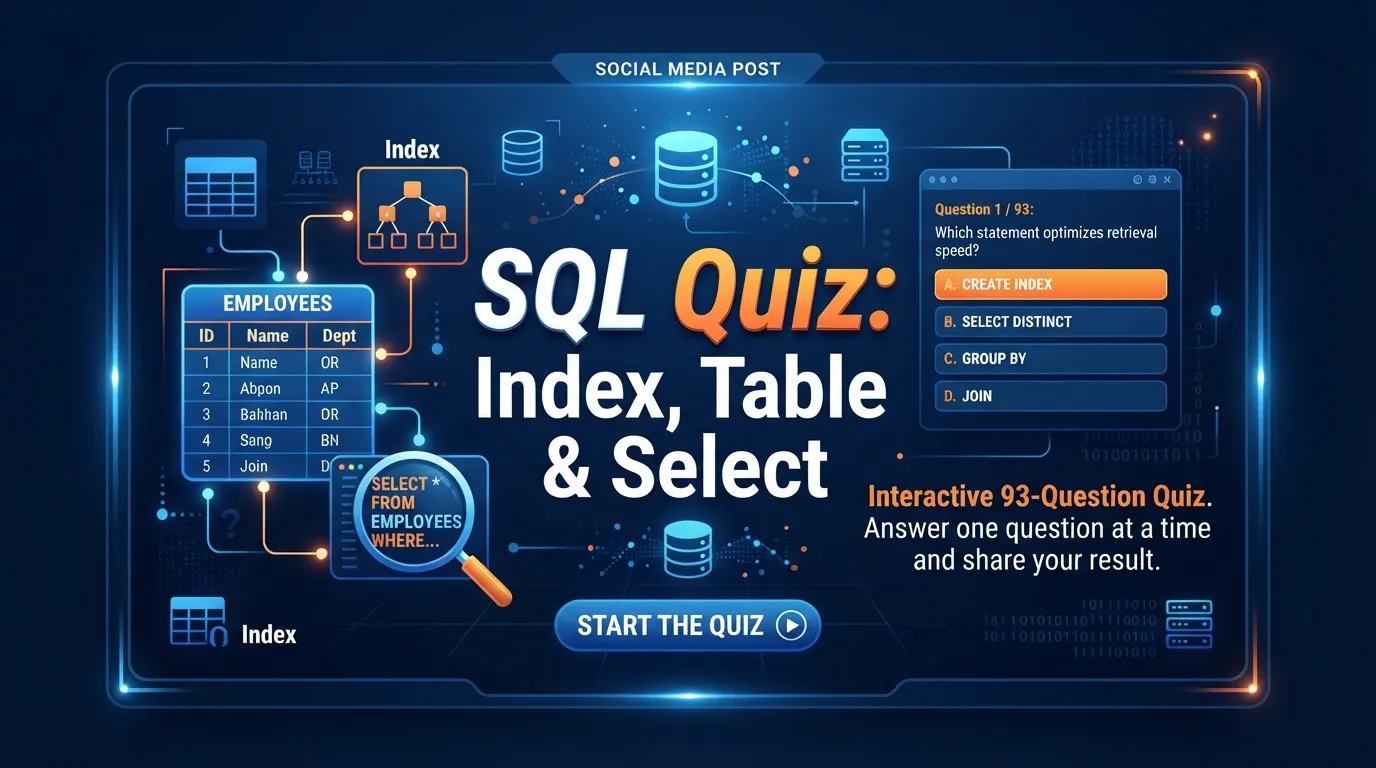
SQL Quiz: Index, Table & Select: interactive 93-question quiz. Answer one question at a time and share your result.
Ready to test your Microsoft Access expertise? This quiz challenges your understanding of data sources, MAOL (Microsoft Access Object Library), and database limitations. Answer 12 randomized questions to assess your skills and discover your current rank. Click 'Start Quiz' to begin your assessment!

Welcome to the interactive Microsoft Access Quiz: Sources, Maol & Limitation! This isn't just a static article; it's your personal assessment tool designed to rigorously test your practical knowledge of Microsoft Access. Whether you're a student, a professional preparing for a technical interview, or simply looking to self-evaluate your database skills, this quiz is for you.
This assessment specifically evaluates your competency in critical areas such as importing and exporting data, understanding database size and object limitations, utilizing the Microsoft Access Object Library (MAOL) for programmatic tasks, and applying fundamental SQL concepts within Access. Passing this quiz demonstrates a solid grasp of how to manage, manipulate, and integrate data effectively using Microsoft Access.
Taking this quiz is straightforward and designed for optimal learning. Each attempt will present you with 12 randomized multiple-choice questions drawn from our comprehensive question bank. For every question, you'll select the best answer from the provided options. Immediately after answering, you'll receive feedback on whether your answer was correct, along with a concise explanation to reinforce your learning.
Your score is calculated based on the number of correct answers. There's no penalty for incorrect guesses. The goal is to achieve the highest score possible, ideally a perfect 12 out of 12. Don't worry if you don't ace it on your first try! You can retake the quiz as many times as you like, allowing you to re-test your knowledge, learn from previous mistakes, and improve your score until you reach the coveted Expert rank.
To help you prepare for or review after taking the quiz, here's a high-yield study guide covering the core concepts you'll encounter:
Microsoft Access is powerful for integrating data from various external sources. Be familiar with:
MAOL allows programmatic control over Access objects using VBA. Key areas include:
While versatile, Access has specific limitations you should be aware of:
| Limitation Type | Details |
|---|---|
| Database Size | Maximum 2 GB (excluding linked tables). |
| Number of Objects | Max 32,768 objects (tables, queries, forms, reports, macros, modules). |
| Concurrent Users | Best for single-user or small workgroups (typically <10-20 users). |
| Field Size (Text) | Short Text: 255 characters; Long Text (Memo): 65,535 characters. |
Be mindful of these common pitfalls when taking the quiz:
Your quiz score provides immediate feedback on your Microsoft Access proficiency:
| Score Range | Rank Tier | What Your Score Means | ext Steps |
|---|---|---|---|
| 0-4 points | Beginner | You're just starting your journey with Microsoft Access. You have a foundational understanding but need to strengthen core concepts. | Review the 'Key Concepts Tested' section thoroughly. Focus on understanding the basics of data sources, object types, and fundamental SQL. Retake the quiz to reinforce learning. |
| 5-11 points | Intermediate | You have a good working knowledge of Microsoft Access, understanding most key concepts and practical applications. | Identify the specific questions you missed and review their explanations. Focus on areas like MAOL, advanced query techniques, or specific limitations. Practice more with Access to solidify your skills. Retake the quiz to aim for Expert! |
| 12 points | Expert | Congratulations! You possess a comprehensive and expert-level understanding of Microsoft Access, including data sources, MAOL, and limitations. | You've mastered this topic! Consider exploring more advanced Access features, VBA programming, or integrating Access with other applications. Share your achievement and challenge your peers! |
To maximize your learning and achieve an Expert score:
Ready to prove your Microsoft Access prowess? Scroll up and click 'Start Quiz' now to begin your challenge!
SQL Quiz: Index, Table & Select: interactive 93-question quiz. Answer one question at a time and share your result.
Postgres Quiz: Message, Seen & Contact: interactive 1-question quiz. Answer one question at a time and share your result.
SQLite Quiz: List, Boolean & Areas: interactive 13-question quiz. Answer one question at a time and share your result.

